Modrinth
Step by step guide on how to install our Official Modpack using the Modrinth Launcher
On this page
GGPlays modpack: The download link is being prepared. Use the GGPlays join page for the confirmed pack and connection details. Launcher screenshots below illustrate the shared setup.
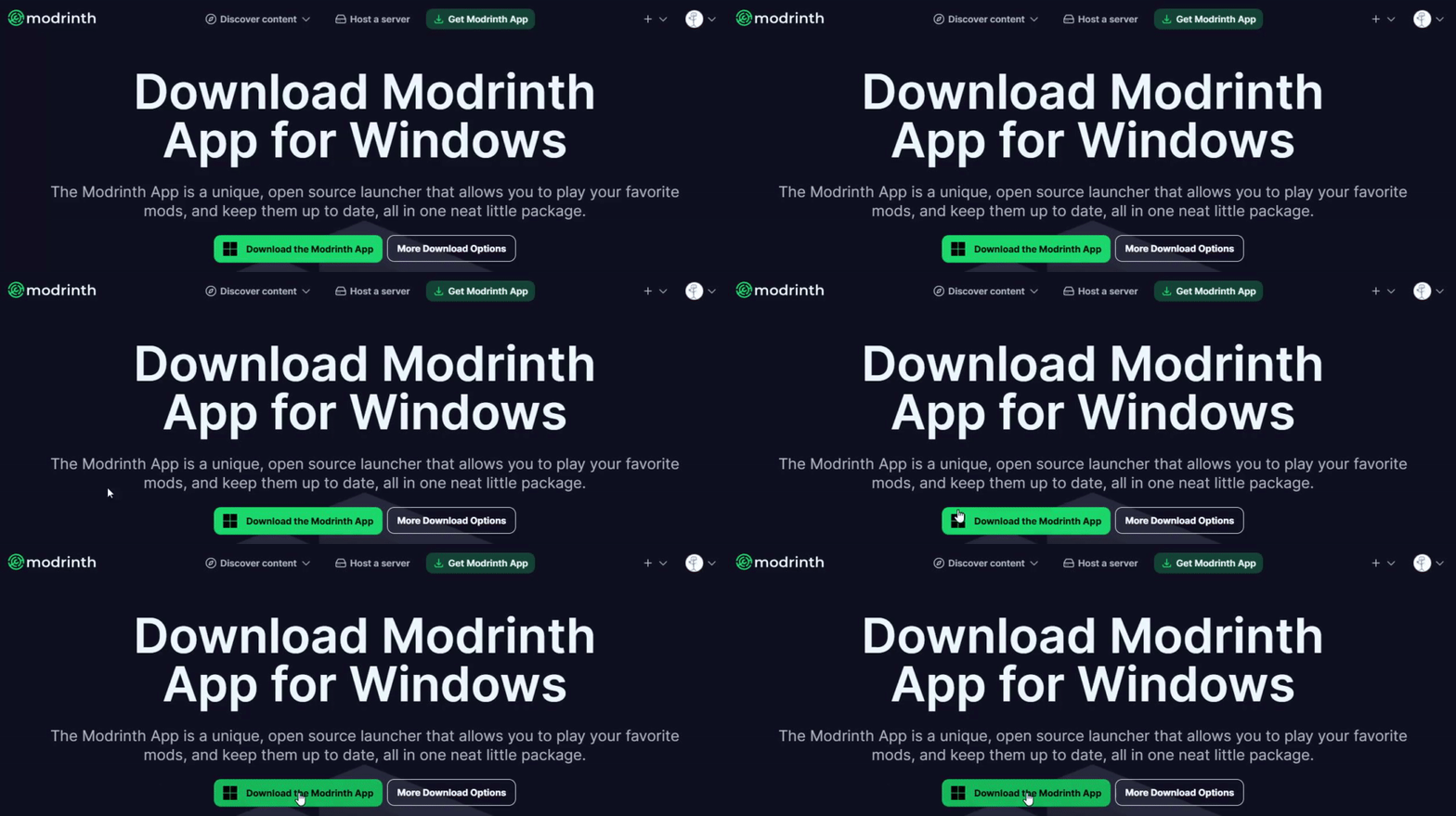

Sign in with your Microsoft Account
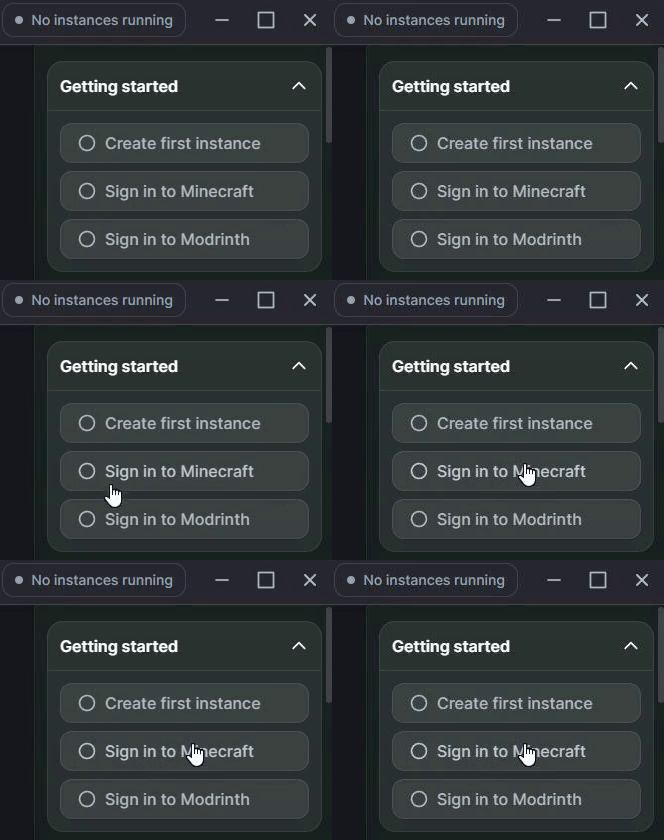
Open the Modrinth App and sign in with your Microsoft account
Install the Modpack
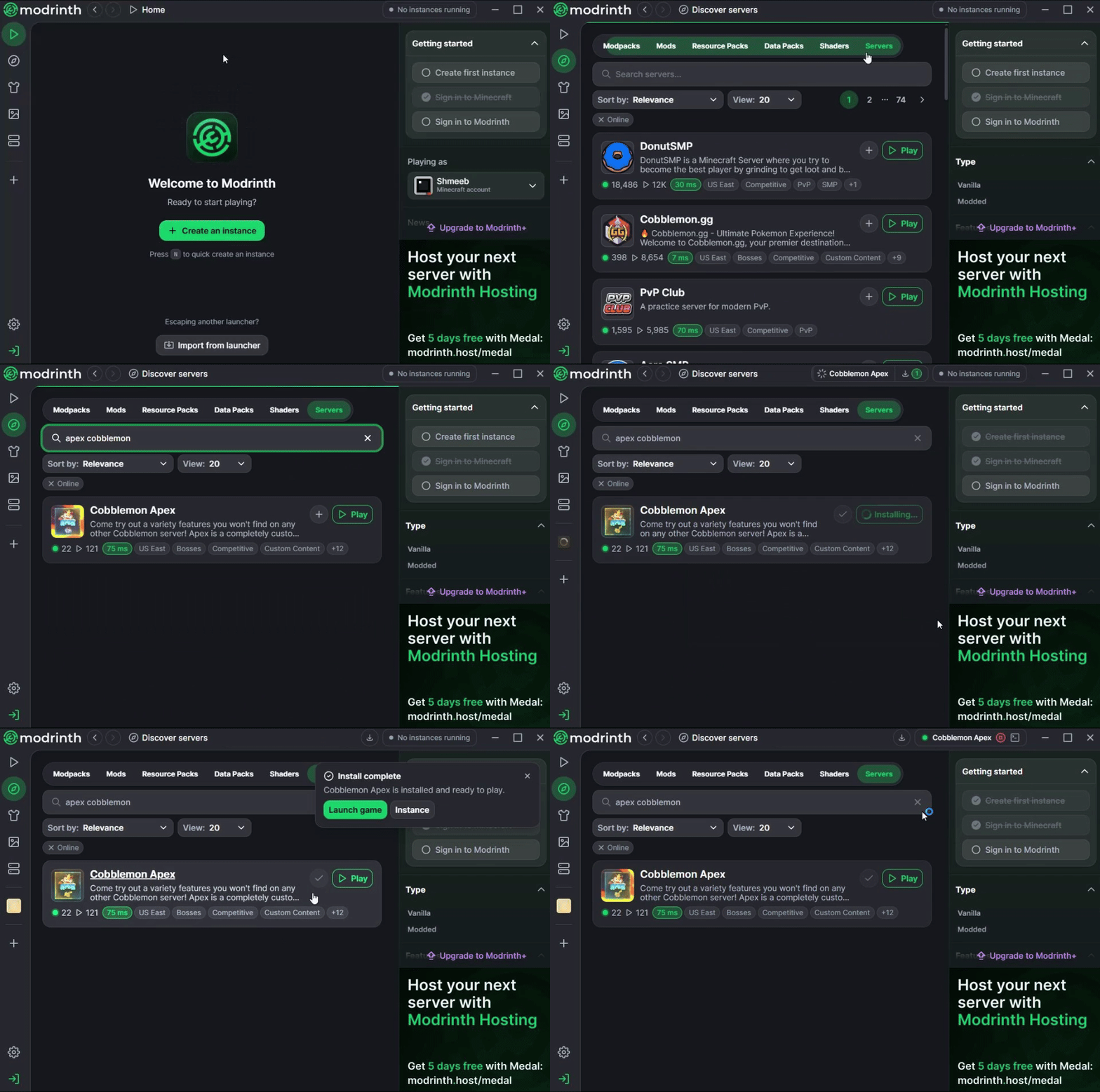
Open the Discover Content tab on the left, click Servers, search for GGPlays Cobblemon, and then click the Play button
Join Us
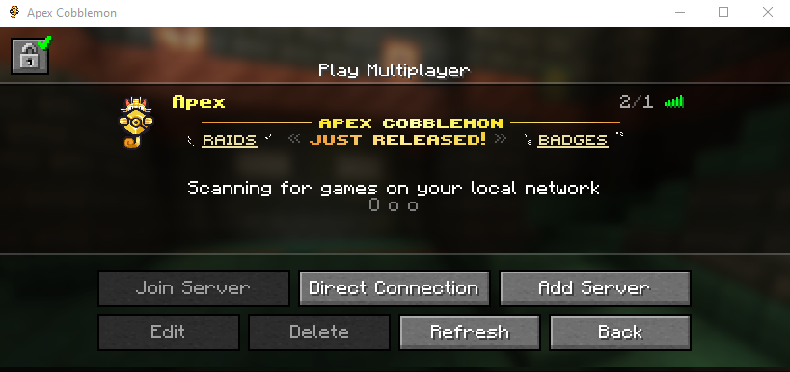
Join our network, it will already be listed and ready to go!
Claim your free Random Shiny
Good luck with your Adventure!
Need Help?

Ram Allocation
Allocating enough RAM helps the modpack run smoothly and can reduce stuttering, long loading times, and memory-related crashes. Follow the steps below to configure your memory settings.
Open the Modrinth App
Select GGPlays Cobblemon
Open the Library tab on the left, then select GGPlays Cobblemon
Open the Memory Settings
Click the gear icon in the top-right corner, then open the Java and memory tab
Adjust the Allocated Memory
Enable Custom memory allocation, then use the slider or text field to allocate at least 4096 MB of RAM (if possible)

Set the Minimum Memory Allocation
Enable Custom Java arguments, then add the following argument:
-Xms4096M
This sets the modpack's minimum memory allocation to 4096 MB. On systems with sufficient RAM, this should generally match the amount selected under Memory allocated.

Now that the modpack is installed and configured, these resources will help you begin your adventure: